How to Fix “too few arguments in function call” in C++
Short answer: the function was written to take a certain number of values, and your call passes a different number. Count the parameters in the function’s first line, then count the arguments in your call; they must match. If an argument should be optional, give that parameter a default value.
| Where | Too few | Too many |
|---|---|---|
| Visual Studio editor (red squiggle) | too few arguments in function call | too many arguments in function call |
| Visual Studio build | C2660: 'area': function does not take 1 arguments | C2660: 'area': function does not take 3 arguments |
| GCC (g++, MinGW, Code::Blocks) | too few arguments to function 'int area(int, int)' | too many arguments to function 'int area(int, int)' |
| Clang (Xcode, macOS) | no matching function for call to 'area' | no matching function for call to 'area' |
Hit “too few arguments in function call”? It's a classic beginner trap, and there are others like it.
Free 1-page checklist: The 10 Mistakes Every C++ Beginner Makes. It shows the exact traps that slow down every C++ beginner, so you can avoid them from day one.
🔒 No spam. Unsubscribe anytime.
Parameters vs Arguments
The parameters are the names in the function’s first line: int area(int width, int height) has two, width and height. The arguments are the values you pass when you call it: area(5, 3) passes two. The counts have to match, because C++ needs a value for every parameter before the function can run.
Too Few Arguments
#include <iostream>

int area(int width, int height) {
    return width * height;
}

int main() {
    std::cout << area(5) << '\n';
}
Visual Studio editor: too few arguments in function call
MSVC build: error C2660: 'area': function does not take 1 arguments
GCC: error: too few arguments to function 'int area(int, int)'
note: declared here
Clang: error: no matching function for call to 'area'
note: candidate function not viable: requires 2 arguments, but 1 was providedClang’s note says exactly what’s wrong: two needed, one given. Fix: pass both:
#include <iostream>

int area(int width, int height) {
    return width * height;
}

int main() {
    std::cout << area(5, 3) << '\n';
}15It happens with no arguments at all, too. A function declared as void greet(int times) can’t be called as greet(); GCC then says too few arguments to function 'void greet(int)'.
Too Many Arguments
#include <iostream>

int area(int width, int height) {
    return width * height;
}

int main() {
    std::cout << area(5, 3, 2) << '\n';
}
Visual Studio editor: too many arguments in function call
MSVC build: error C2660: 'area': function does not take 3 arguments
GCC: error: too many arguments to function 'int area(int, int)'
Clang: error: no matching function for call to 'area'
note: candidate function not viable: requires 2 arguments, but 3 were providedFix: remove the extra value, or, if you really need a third one, add a third parameter to the function.
Want the fundamentals explained properly? C++ Better Explained covers the core of C++ in plain English, with analogies and code diagrams, including the parts that trip beginners up most: pointers, memory and OOP.
Get the book — $27Making an Argument Optional
If a value should usually be the same, give the parameter a default value. Calls can then leave it out:
#include <iostream>

void greet(int times = 1) {
    for (int i = 0; i < times; i++) {
        std::cout << "Hi\n";
    }
}

int main() {
    greet();
    greet(2);
}
Hi
Hi
Higreet() uses the default and prints once; greet(2) prints twice. Default values must come last in the parameter list. More in default arguments.
When the Count Looks Right
If you’ve counted and the call matches, check these:
- You’re editing a different version of the function. If the declaration at the top of the file (or in a header) says
int area(int width, int height);but you changed the definition below, the editor checks your call against the declaration. Keep them the same. - A class constructor.
Player p("Sam");fails if the constructor needs a name and a score. The editor’s message for constructors is different (no instance of constructor ... matches the argument list), but the fix is the same. - An overloaded function. If several versions share a name, GCC reports
no matching function for call toinstead. See how to fix ‘no matching function for call to’.
Quick Reference
| Message | Fix |
|---|---|
too few arguments in function call | Pass every value the function’s parameters need |
too many arguments in function call | Remove the extra value, or add a parameter |
| An argument that’s usually the same | Give the parameter a default value, int times = 1 |
| Count matches but the error stays | Check the declaration at the top of the file or in the header |
For other common messages, see C++ error messages explained.
Take Your C++ Further
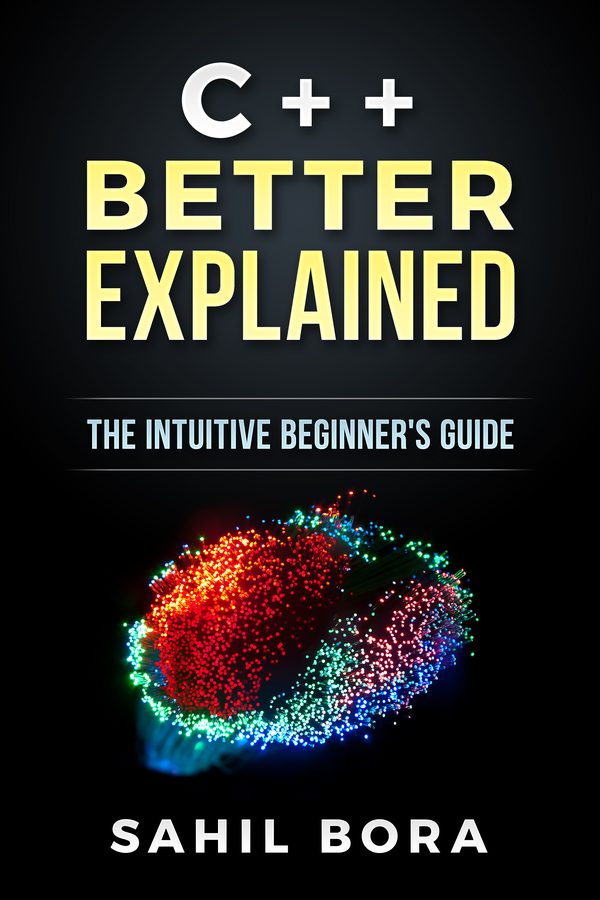
If you'd like the fundamentals explained in one place, C++ Better Explained covers them in 87 plain-English pages, with analogies and code diagrams, including the parts that trip beginners up most: pointers, memory and OOP.
Get the book — $2787 pages · plain English · 30-day money-back guarantee
Related Articles
- C++ Error Messages Explained — the most common errors and what they mean.
- C++ Functions Tutorial — parameters, arguments and return values.
- Default Arguments in C++ — making parameters optional.
- How to Fix ‘no matching function for call to’ — when no version of a function fits.
- Function Overloading in C++ — several functions with the same name.